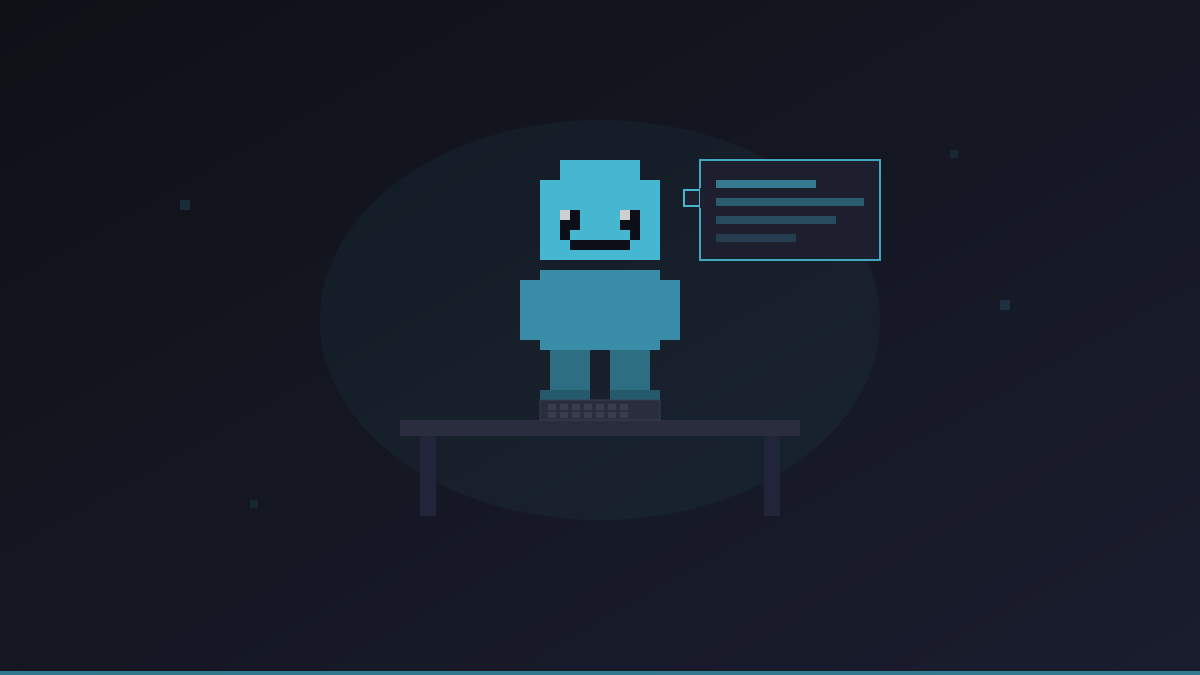
What Are AI Agents?
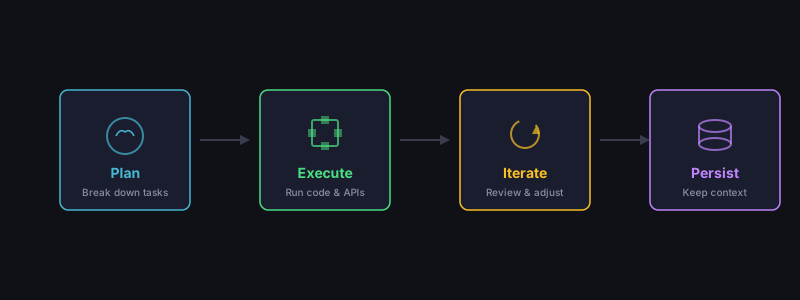
AI agents are software programs that use large language models (LLMs) to perform tasks autonomously. Unlike a simple chatbot that only responds to messages, an agent can:
- Plan — Break down complex tasks into steps
- Execute — Run code, call APIs, and interact with systems
- Iterate — Review results and adjust their approach
- Persist — Maintain context across sessions
Think of them as virtual team members that can handle repetitive, technical, or time-consuming work.
Common Use Cases
Software Development
- Code review and bug detection
- Writing tests and documentation
- Refactoring and optimization
- Answering questions about codebases
DevOps
- Log analysis and anomaly detection
- Infrastructure monitoring
- Automated incident response
- Configuration management
Content
- Drafting blog posts and articles
- Social media content generation
- Translation and localization
- SEO optimization
Research
- Summarizing documents and papers
- Data collection and analysis
- Competitive research
- Market analysis
What You Need
To run an AI agent, you typically need:
-
An LLM API key — From OpenAI (GPT-4), Anthropic (Claude), or similar providers. Costs vary but expect $10-50/month for moderate usage.
-
Compute infrastructure — A server where the agent runs. This can be your local machine (limited), a cloud VPS (recommended), or a managed service.
-
A management tool — Something to deploy, monitor, and interact with your agent. This is where Office Claws comes in.
Setting Up Your First Agent with Office Claws
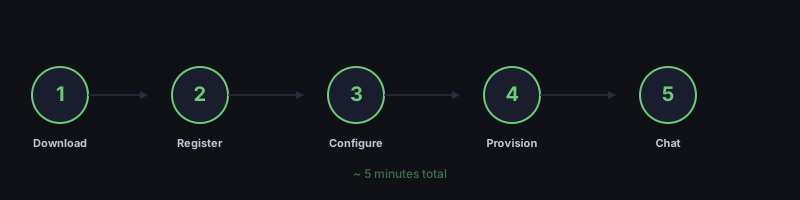
Step 1: Download the App
Office Claws is a desktop app available for macOS, Windows, and Linux. Download it from our homepage.
Step 2: Choose a Plan
- Self-Hosted ($4.99/mo) — You provide a DigitalOcean account. Best if you want full control and plan to run multiple agents.
- Managed ($14.99/mo) — We handle the infrastructure. Best for getting started quickly.
Step 3: Connect Your Keys
The setup wizard will ask for:
- Your AI provider API key (OpenAI, Anthropic, etc.)
- A Tailscale auth key (for secure networking)
- A DigitalOcean API token (self-hosted only)
All keys are stored locally on your machine.
Step 4: Create Your Agent
Click "Create Agent" and Office Claws will:
- Provision a VPS with Docker and the agent runtime
- Connect it to your Tailscale network
- Configure the AI provider connection
This takes about 2-3 minutes.
Step 5: Start Chatting
Once your agent appears at their desk in the pixel-art office, click on them to open the chat panel. Try these first messages:
- "What can you help me with?"
- "Analyze this code for potential bugs: [paste code]"
- "Summarize the key points of this document: [paste text]"
Tips for Success
- Start small — Begin with simple tasks and increase complexity as you learn what your agent can handle
- Be specific — Clear, detailed instructions get better results than vague requests
- Iterate — If the first response is not perfect, refine your prompt and try again
- Monitor costs — Keep an eye on your AI provider usage dashboard to avoid surprises
- Use the right model — GPT-4 and Claude are best for complex reasoning. Smaller models work for simple tasks at lower cost.
Next Steps
- Read our Quick Start guide for detailed setup instructions
- Check the pricing comparison to choose your plan
- Learn about security best practices for running agents safely